

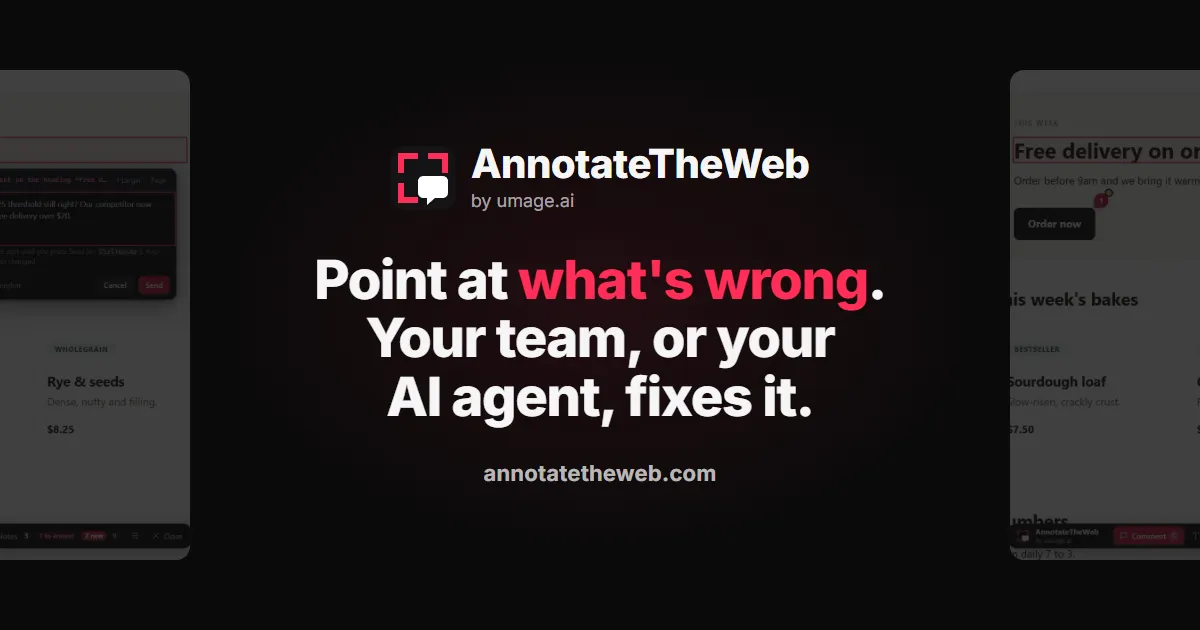
The most useful feedback on a website arrives after it ships, from clients, editors and testers who will never run your dev server. AnnotateTheWeb, our new hosted tool, lets them point at what's wrong on any live site and sends the note to your team, or straight to your AI agent over MCP.
A lot of the client feedback we get still arrives the same way. An email, a few screenshots, and a paragraph explaining where to look and under which circumstances. “On the product page, the second price, but only when I’m logged in, and only on my phone.” Sometimes there’s a red circle on the screenshot. Sometimes the red circle is around the wrong thing.
Then the real work starts. We copy the email into a ticket, or straight into a chat with an agent, and the hunt begins: which page, which element, which component renders it, and what was different about the client’s browser that made it look wrong.
The fix itself is usually quick. Agents have made sure of that. Finding what to fix is the slow part, and it’s slow because the most important detail, where, has been translated into prose by someone who was looking right at it.
We already solved this once
Last week Morten wrote about Redline, our open-source overlay for exactly this problem on our own machines. You press a shortcut in the running app, click the thing that’s wrong and type. The agent gets the element, the source file and line, the viewport and the console errors, and nobody writes an essay about a button.
It changed how we work. It also has a boundary, by design: Redline lives in your dev server. It knows the source file because it’s sitting next to the source.
That covers the feedback I give while I’m building. It doesn’t cover most of the feedback that matters.
The feedback that matters arrives later
The feedback that matters most arrives after the code ships, from people who will never run your dev server.
Clients reviewing staging. Content editors living in the production site every day. A tester on a phone you don’t own. The marketing lead who notices the headline wraps badly on mobile. None of them will ever clone the repo, and none of them should have to.
It isn’t only other people, either. I spot things all the time on sites and web apps I didn’t build or don’t have running locally: a client’s live site, a tool we use, a browser game. Until now, the cheapest way to report any of it was the same screenshot-and-paragraph routine I’d just complained about.
Redline can stretch to some of this. It can run on a deployed site for signed-in reviewers, and it can send notes into the systems a team already uses. But that is integration work, project by project. What I wanted was the Redline way of giving feedback, with nothing to integrate at all.
So we built AnnotateTheWeb
AnnotateTheWeb takes the same idea and drops the dev server. It’s a hosted service: you open it on any web page, click what’s wrong and say what should change. You can comment on an element, rewrite text in place, or sketch on the page.
Each note lands in a shared inbox with what a developer would otherwise spend the first ten minutes reconstructing:
- the page address and the exact element, by selector and by its text
- the viewport and scroll position, and a screenshot if you want one
- up to ten recent console errors and ten failed network requests
- for text, the old and the new wording, so a copy change is an exact diff
It looks like Redline because it grew out of Redline. Same popover, same red, same way of anchoring a note to an element.
There are two ways onto a page. The Chrome extension works on any website: that’s the one for your own team, and for you. For a client reviewing a site you’re building, you paste a script snippet into the site and send them an invite link. They get an Annotate button, install nothing, and other visitors see nothing at all.
Starting takes one click and no signup. You get a workspace and a token to share with the team.
Where the agent comes in
This is the part that matters to how we work. The workspace has an MCP server, so a coding agent can read the inbox directly. In Claude Code it’s one command, and any other MCP client takes the same URL and token.
The agent lists the open notes, reads each one with its screenshot, finds the code, fixes it, replies in the thread and marks the note done. The reviewer sees the reply as a pin on the page they annotated. Nobody copied anything into a ticket, and nobody played detective with a red circle.
For teams that do want tickets, every new note, change and reply can go out as a signed webhook to whatever tooling you already have.
What it doesn’t do
It’s honest to say where the edges are.
It doesn’t know your source file and line. On a site it didn’t build, it can’t. The agent gets the page, the element and the words, and finds the code itself. Today’s agents are good at that, but when you own the code and you’re working locally, Redline still hands over the exact line.
The extension is Chrome only. The snippet works in any modern browser, so client reviewers aren’t limited, but there’s no extension for Edge, Firefox or Safari.
The free plan forgets. Notes are kept for seven days after their last activity. That suits a review round, not an archive. For a team that needs notes to stay, we set up a permanent workspace by arrangement.
Redline for the build, AnnotateTheWeb for everything after
Here’s how I’d think about the two now.
If you’re building the app and own the code, use Redline. It’s free, open source and runs in your dev server, and the agent gets the source line.
If the site is running somewhere and the feedback comes from anyone else, use AnnotateTheWeb. That includes clients, editors and testers, and it includes you, looking at something you didn’t build.
And stop accepting screenshots by email. Not because they’re wrong, but because every hop between the person who saw the problem and the agent that fixes it loses a bit of the where.
AnnotateTheWeb is live at annotatetheweb.com, the extension is in the Chrome Web Store, and there’s a 75-second demo if you’d rather watch than read. You can also try it without installing anything on our demo bakery.
It’s a feedback tool, so tell us what you think. Point at it, ideally.